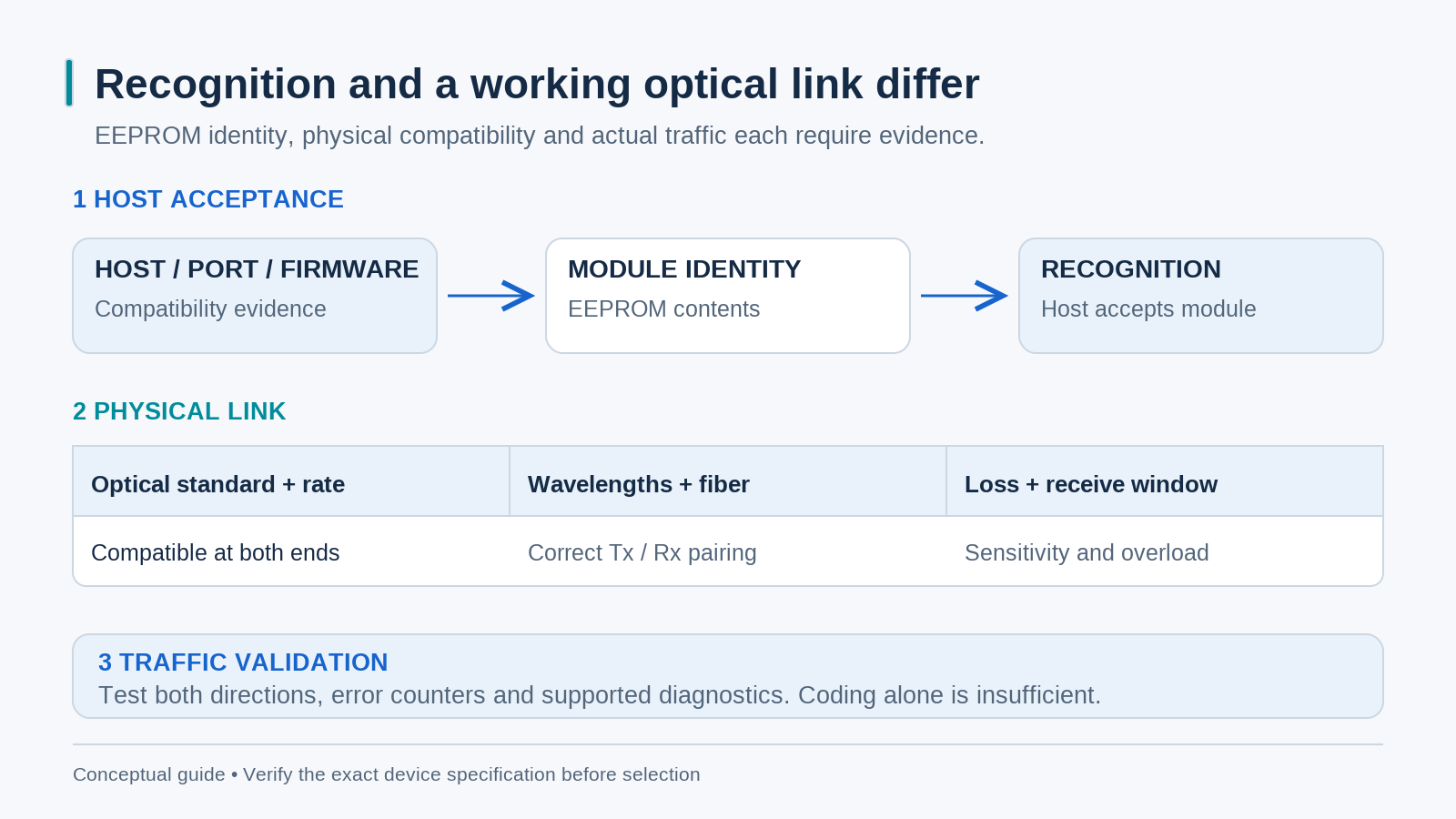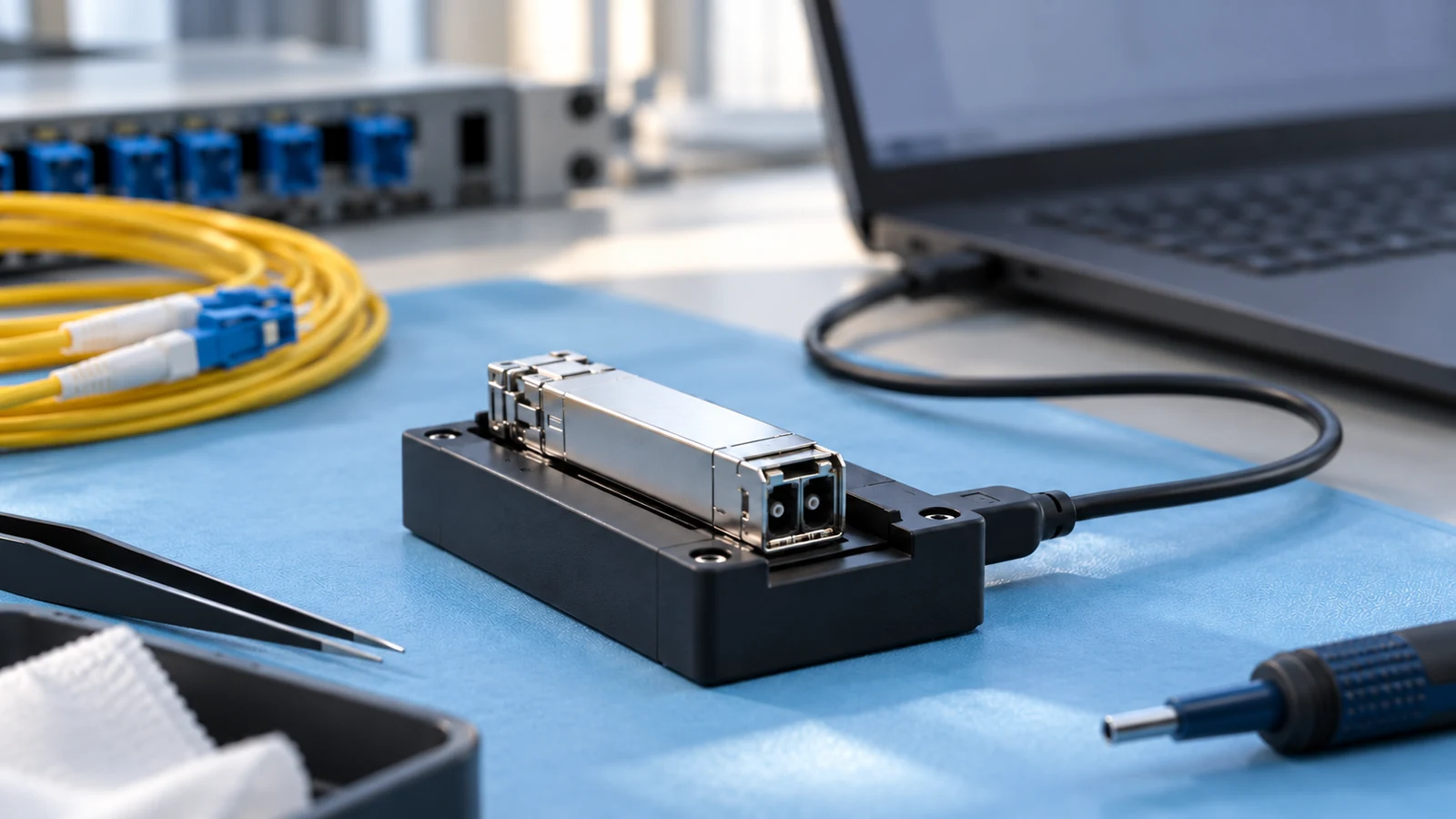
A dark link LED does not identify the cause of an optical-link failure. Host support, module type, link settings, fiber connections and optical levels all need checking.
What the host reads
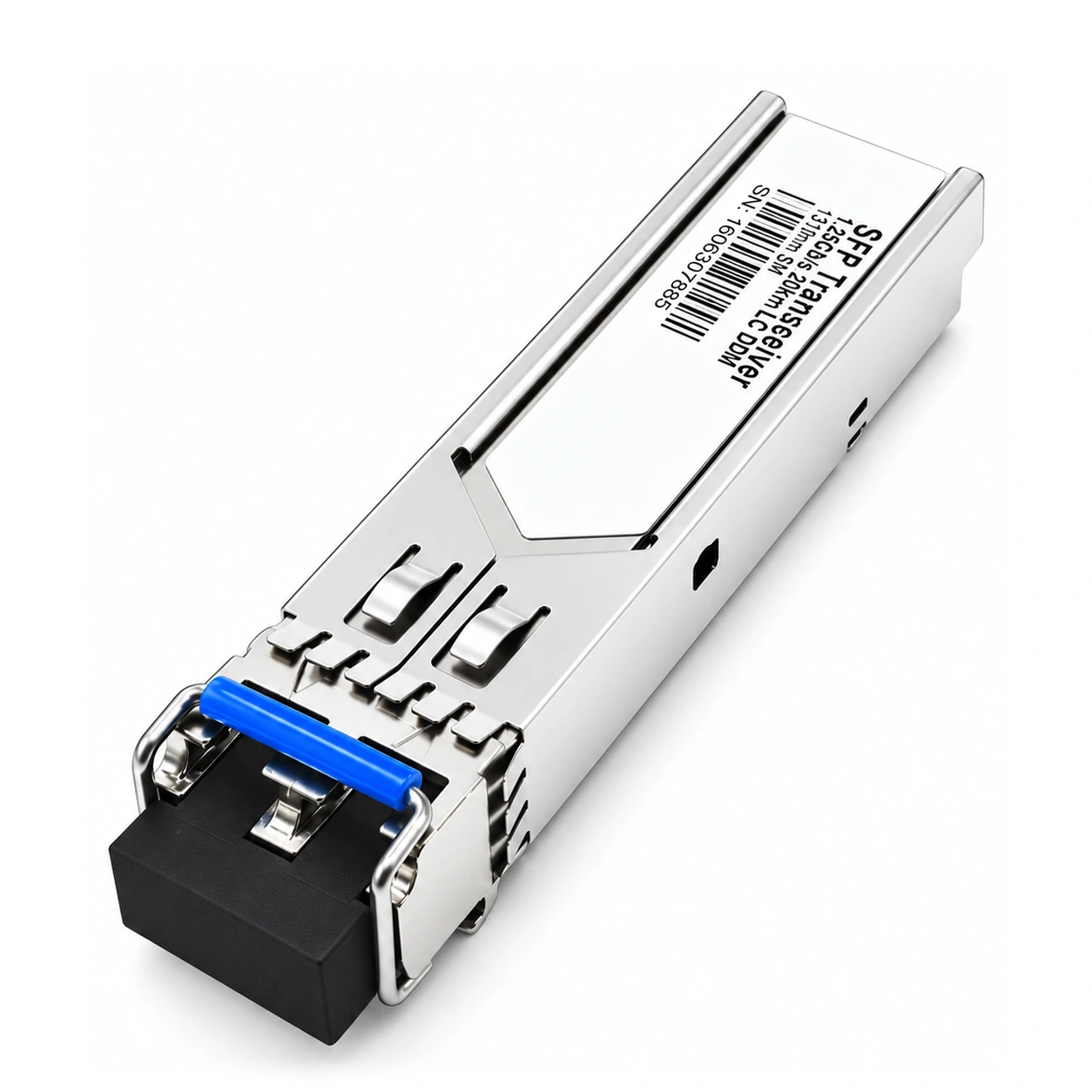
SFP-family management specifications define identification fields such as vendor name, part number and supported capabilities. Some modules also provide digital diagnostics. These fields help a host identify a module, but the presence of standard fields does not guarantee support in every host.
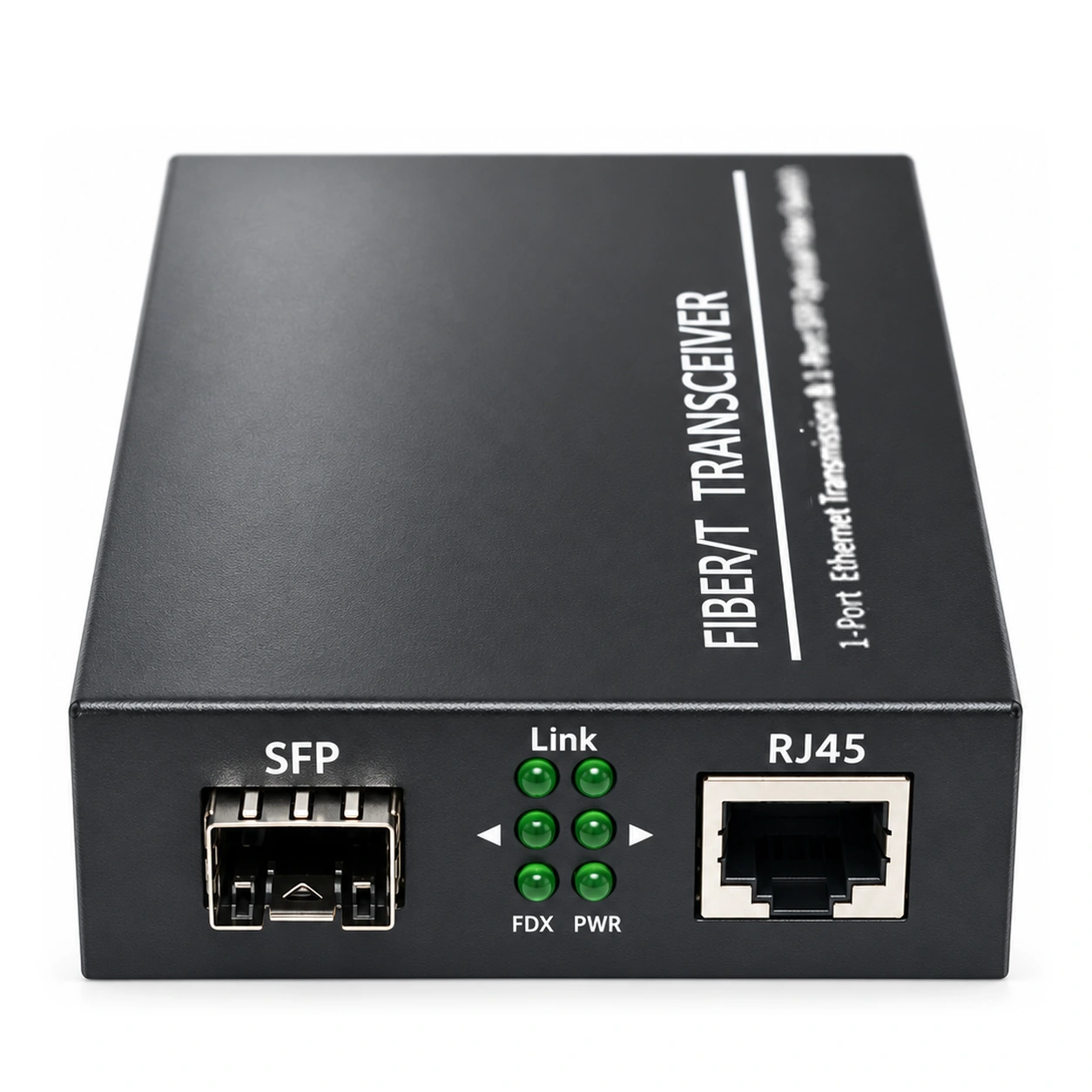
Compatibility depends on the exact switch or converter, port type, module and software release. Check the host manufacturer's compatibility information. A 10G SFP+ cage should not be assumed to support a 1G SFP, or vice versa, without explicit support. Unmanaged devices can also have speed and module restrictions. Cisco's troubleshooting guidance, for example, checks the switch model, submodule and software version rather than treating all SFP ports alike.
Qualify the intended combination
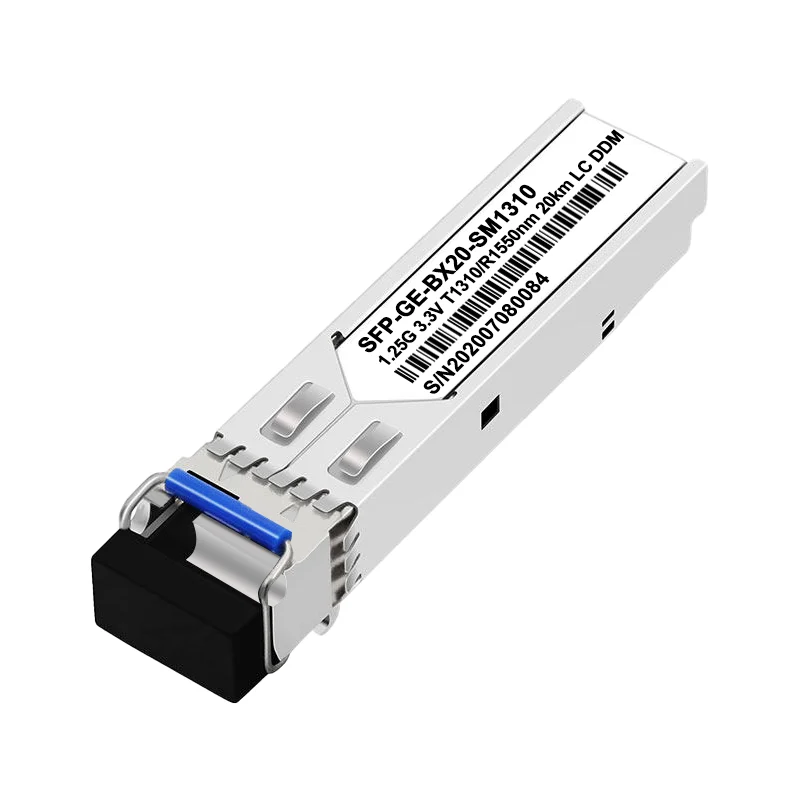
Record the host model, firmware, port, requested speed, optical standard and link distance. For single-fiber BiDi links, verify complementary transmit and receive wavelengths. For duplex links, verify fiber polarity and matching optical interfaces.
If a supplier offers platform-specific programming, request written confirmation of the supported combination, any charge and the validation performed. Programming identification data does not change the laser's optical specification or guarantee future firmware compatibility. Do not assume coding is free or that every platform provides an override command.
When a module is rejected, collect the host log, module identity and available diagnostics before replacing hardware. Use only procedures documented for the particular platform, and check the manufacturer's support policy before enabling unsupported optics.