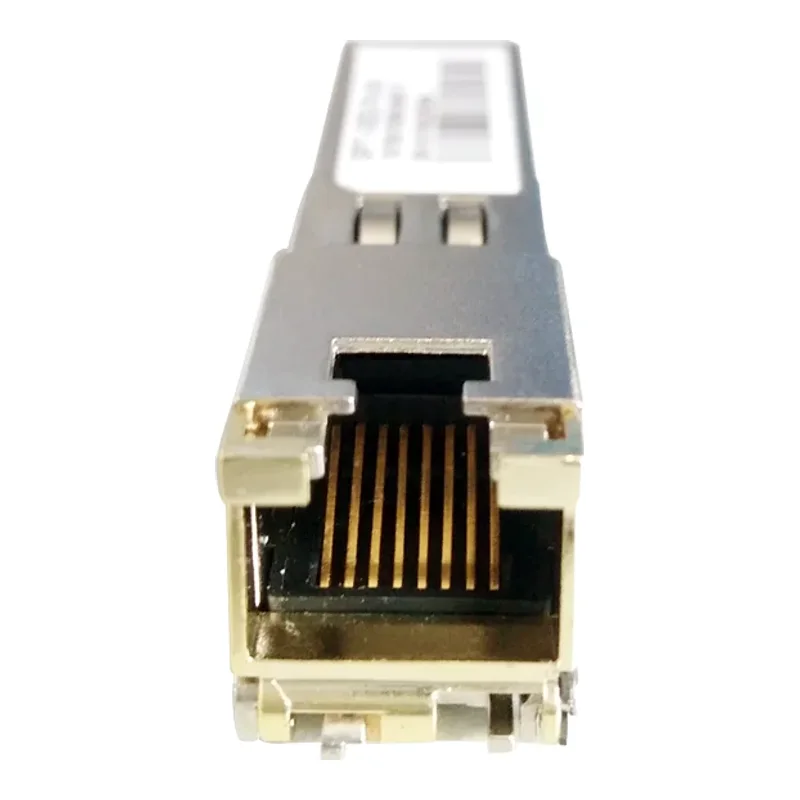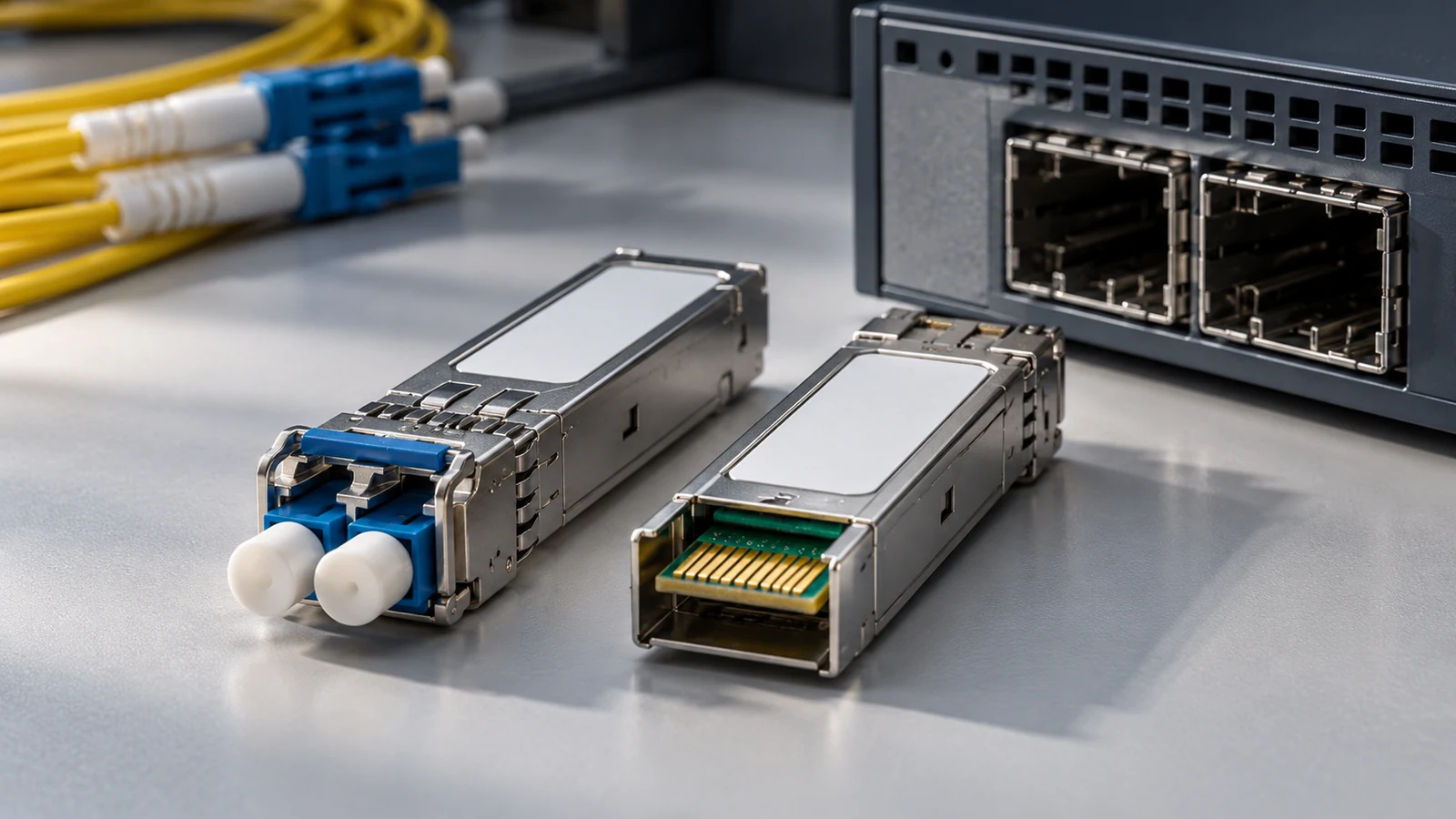
What "MSA-compatible" means
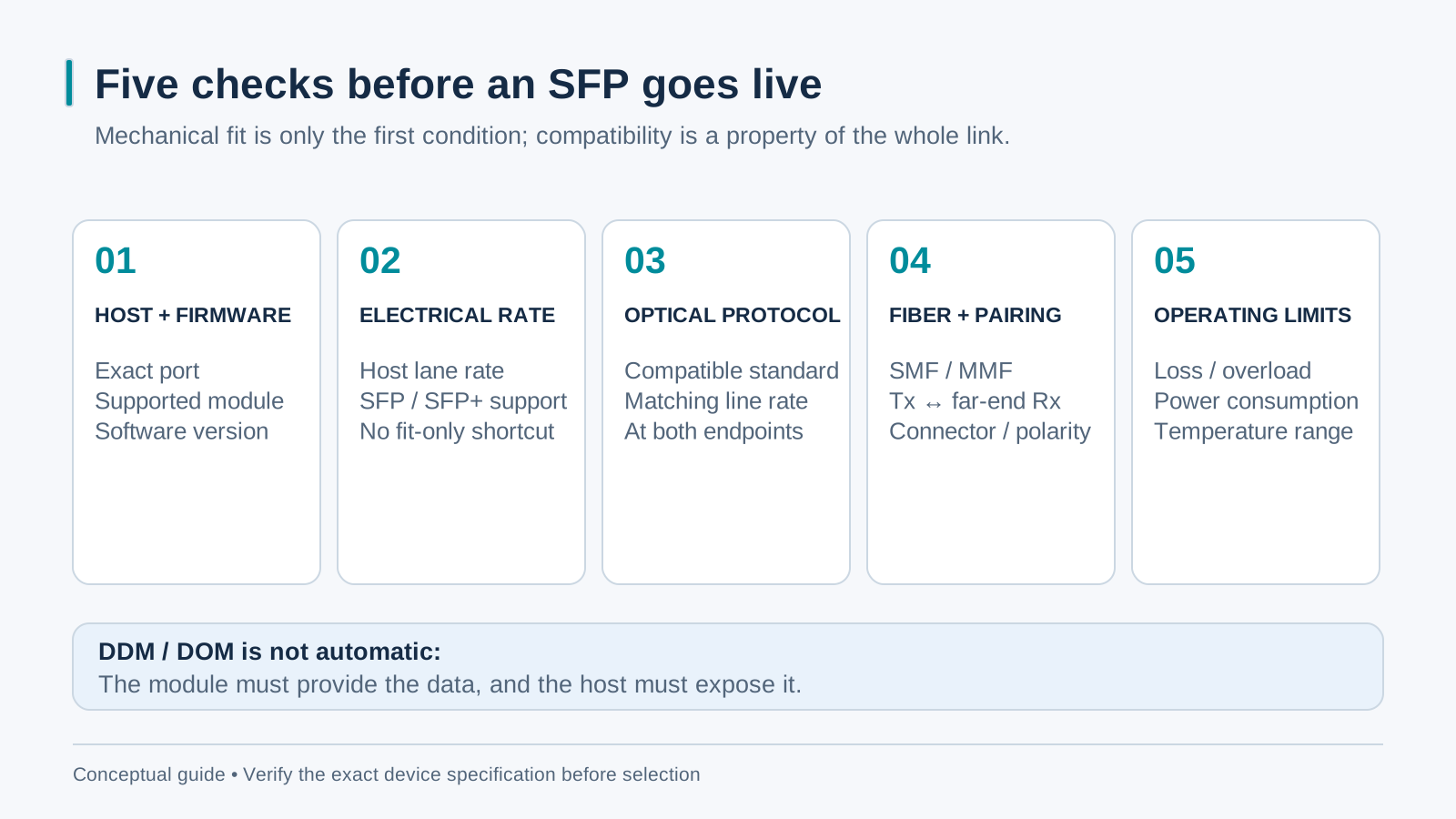
SFP multisource specifications standardize important mechanical, electrical and management interfaces. Compliance does not guarantee that every module works in every slot. Verify the exact host port and firmware, supported rate, power, temperature range and optical interface, as well as any vendor support policy. Mechanical fit is only the first compatibility check.
Cisco, Huawei, Hikvision, Ubiquiti — will it work?
Compatibility depends on the exact switch or converter, port, firmware and module. Consult the host vendor’s compatibility list and confirm any restrictions before ordering. If a supplier offers a coded variant, test the intended combination; EEPROM identification does not change an unsupported electrical or optical interface. Do not infer compatibility from a brand name alone.
Matching the module to the fiber
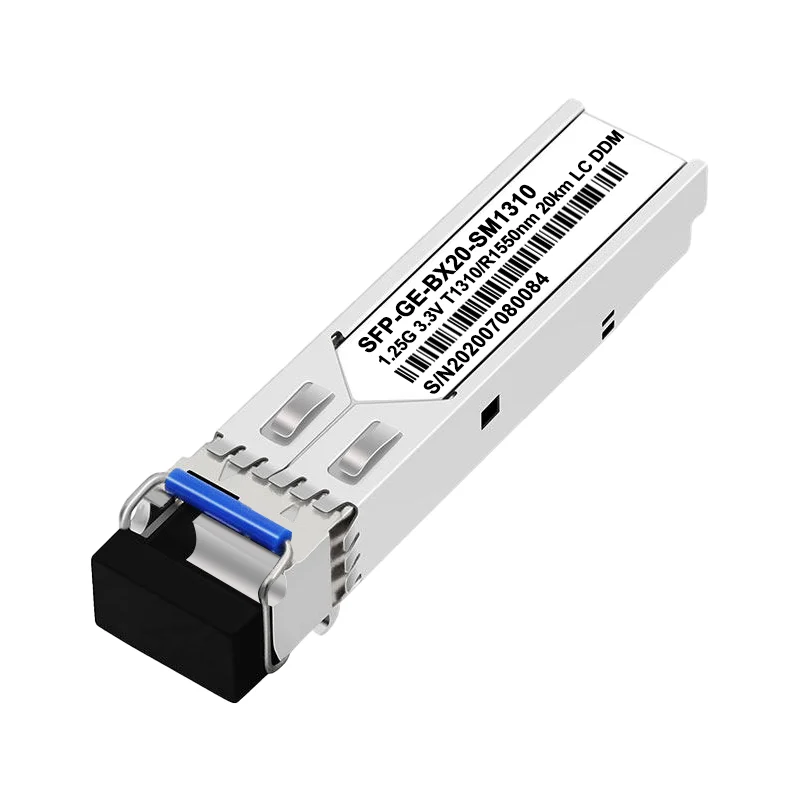
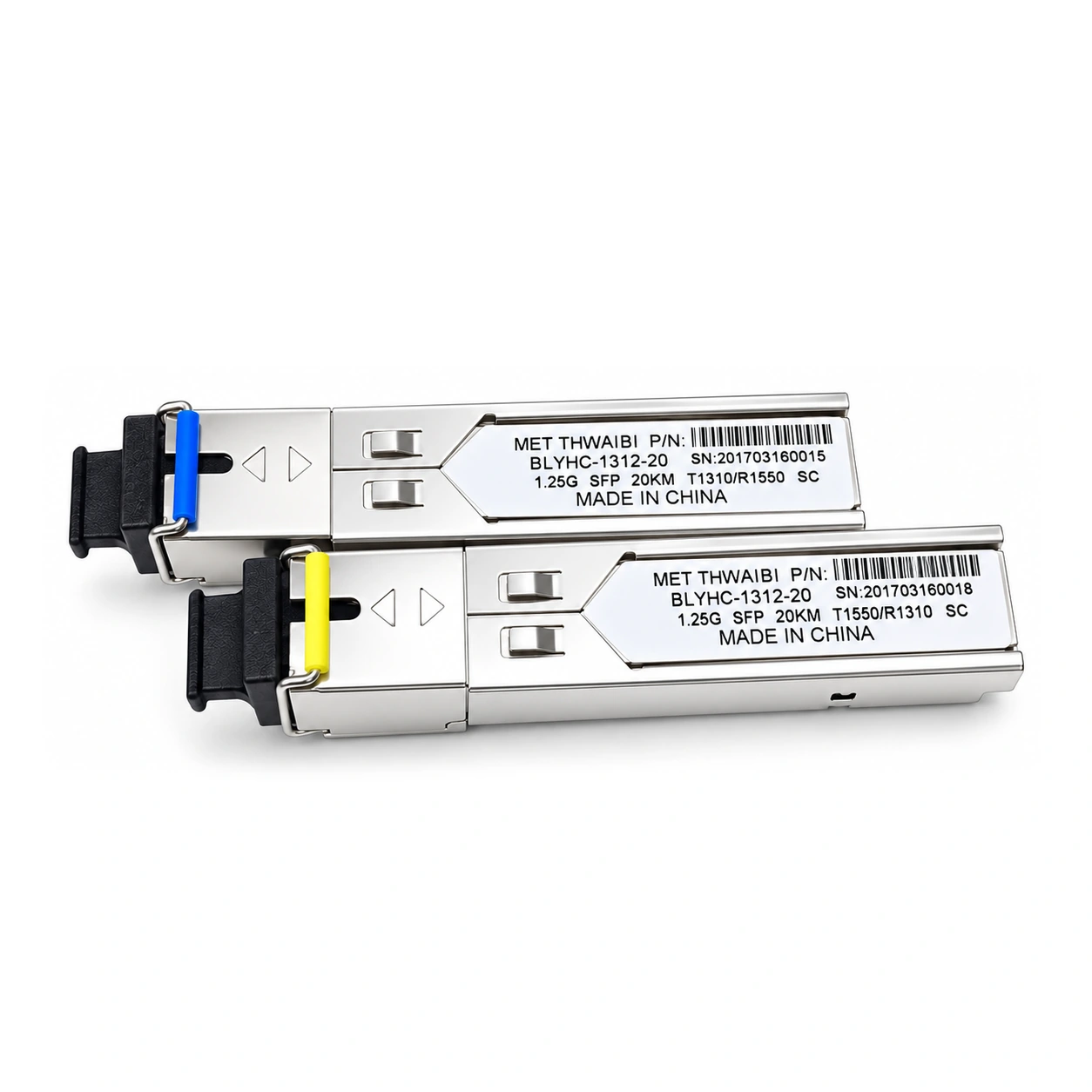
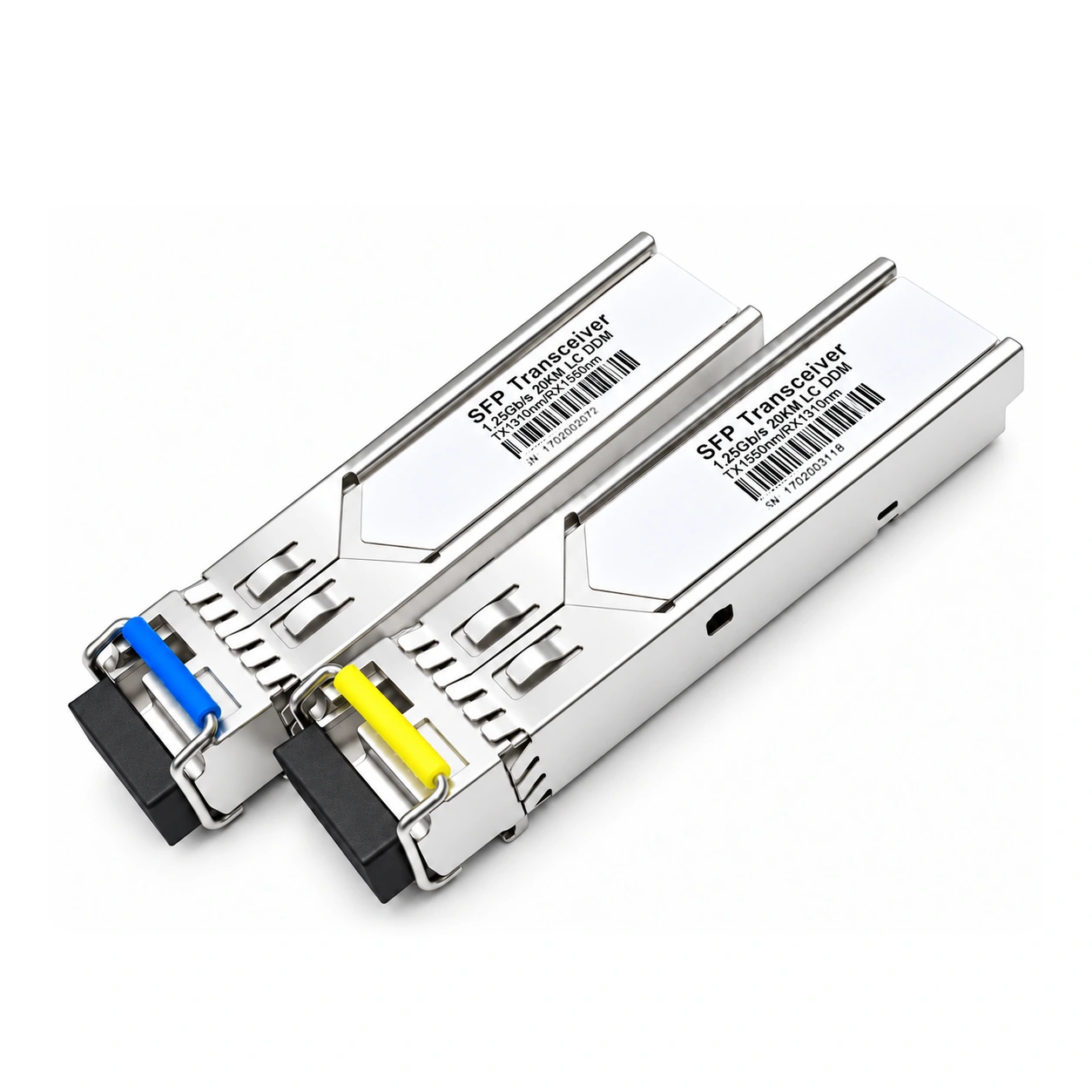
Match the optical standard, data rate, fiber grade, wavelength bands and power requirements. The same connector can fit incompatible fiber arrangements. Follow the module vendor’s multimode or single-mode and mode-conditioning limits rather than assuming a fixed reach from wavelength alone. For BiDi, select an approved complementary pair with compatible transmit and receive bands; A/B naming varies between product families.
GE and FE SFP: the pairing trap
FE and GE optical modules can look alike while using incompatible optical protocols and rates. Keep the two fiber endpoints compatible. A 100 Mbps copper device can join through a supported rate-converting converter while the optical link remains at its specified rate. Dual-rate operation must be explicitly supported by the host and optics; it is not implied by the SFP form factor.
DDM: your built-in health sensor
DDM/DOM availability depends on both the module and the host. Where supported, it can report temperature, supply voltage, laser bias and optical transmit and receive power. Treat these readings as diagnostics and compare them with the specific module’s limits. Use a suitable optical power meter when greater measurement accuracy is needed, and keep commissioning records for later comparison.
Compatibility troubleshooting checklist
For a link that does not come up, check: compatible optical protocol and rate at both ends; complementary BiDi wavelength bands or correct dual-fiber polarity; fiber grade and route loss; receiver sensitivity and overload limits; clean, correctly seated connectors; host port configuration; and module support in the host firmware. Use a traffic test as well as link indicators before declaring the installation healthy.