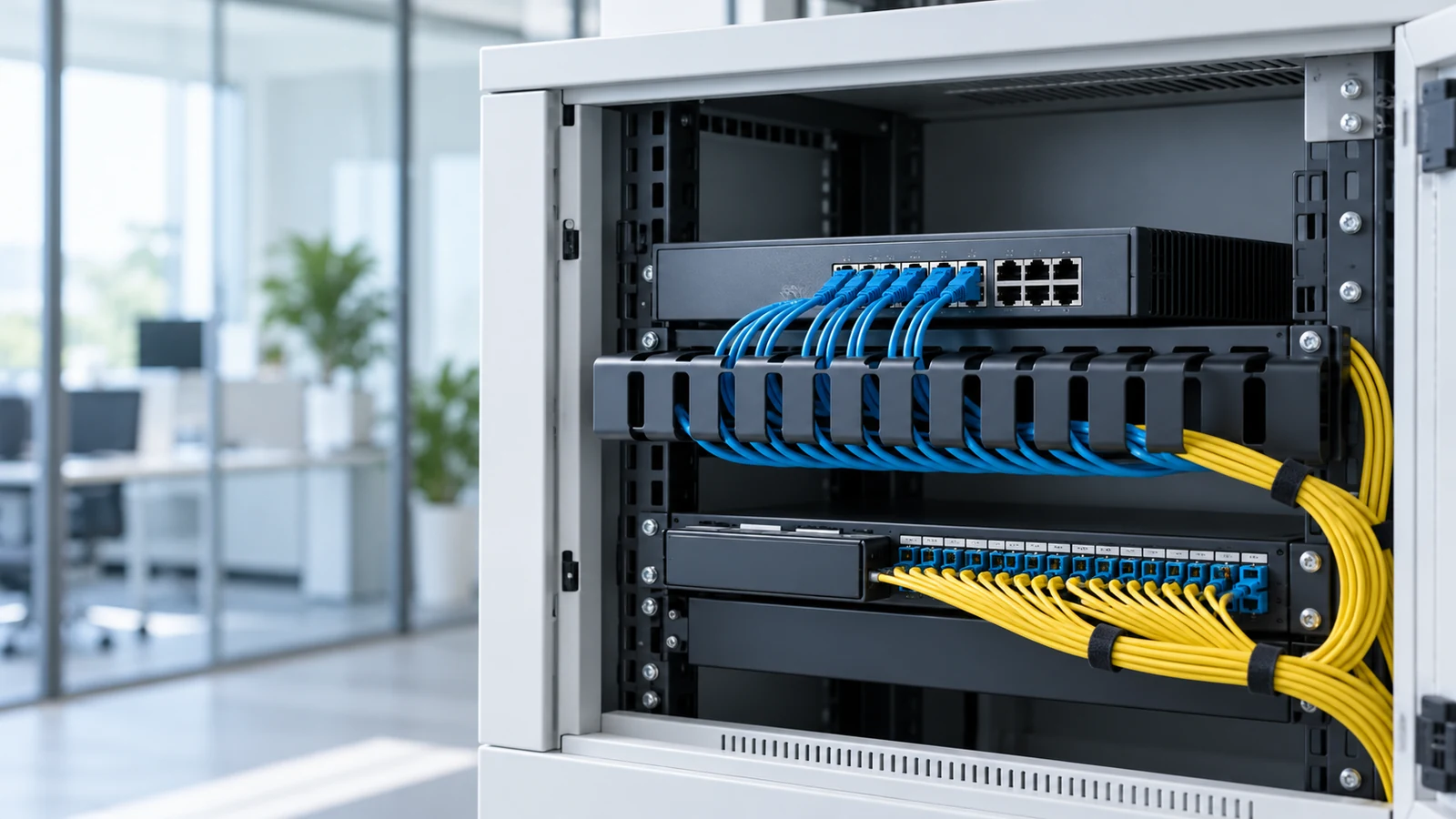
Count the devices, then add two
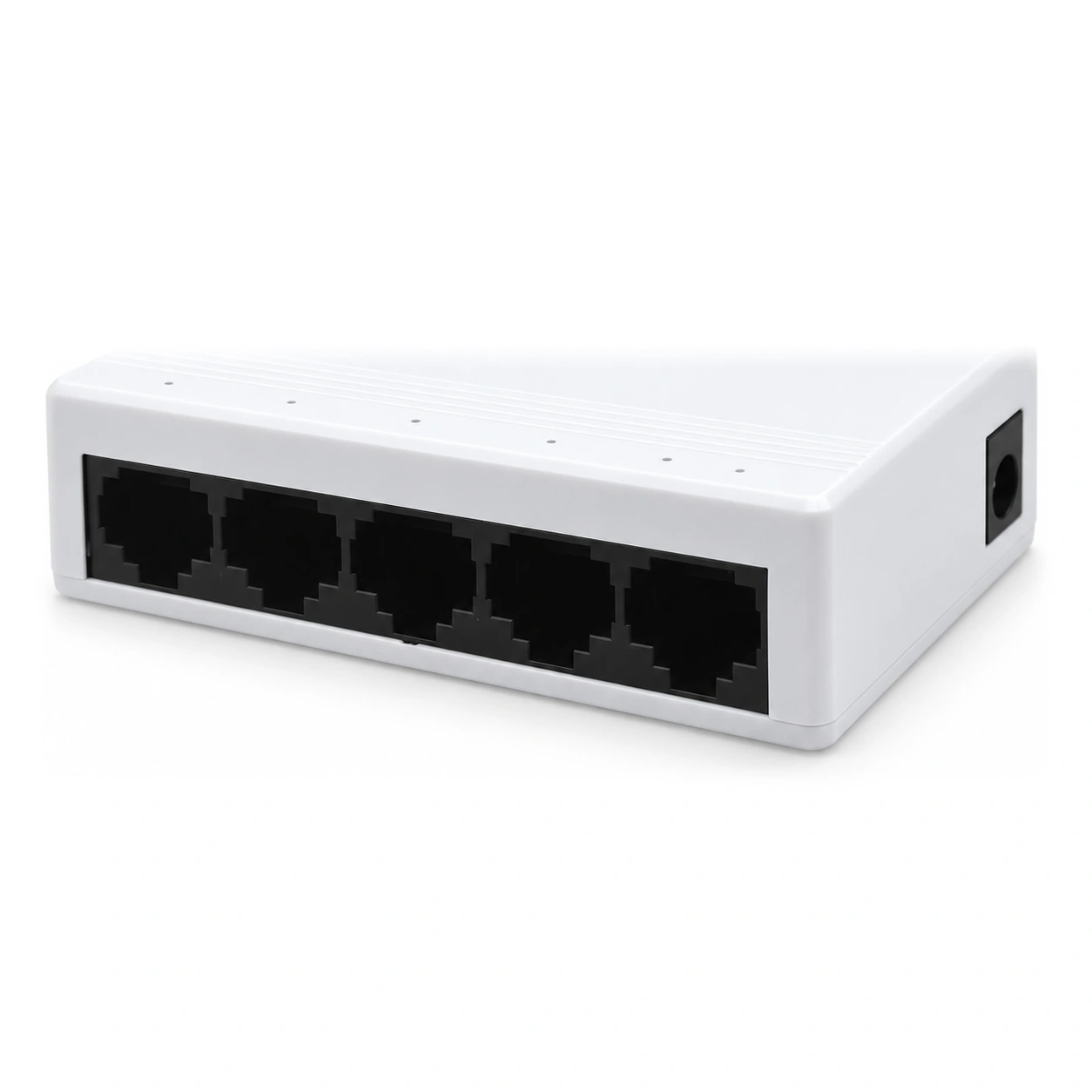
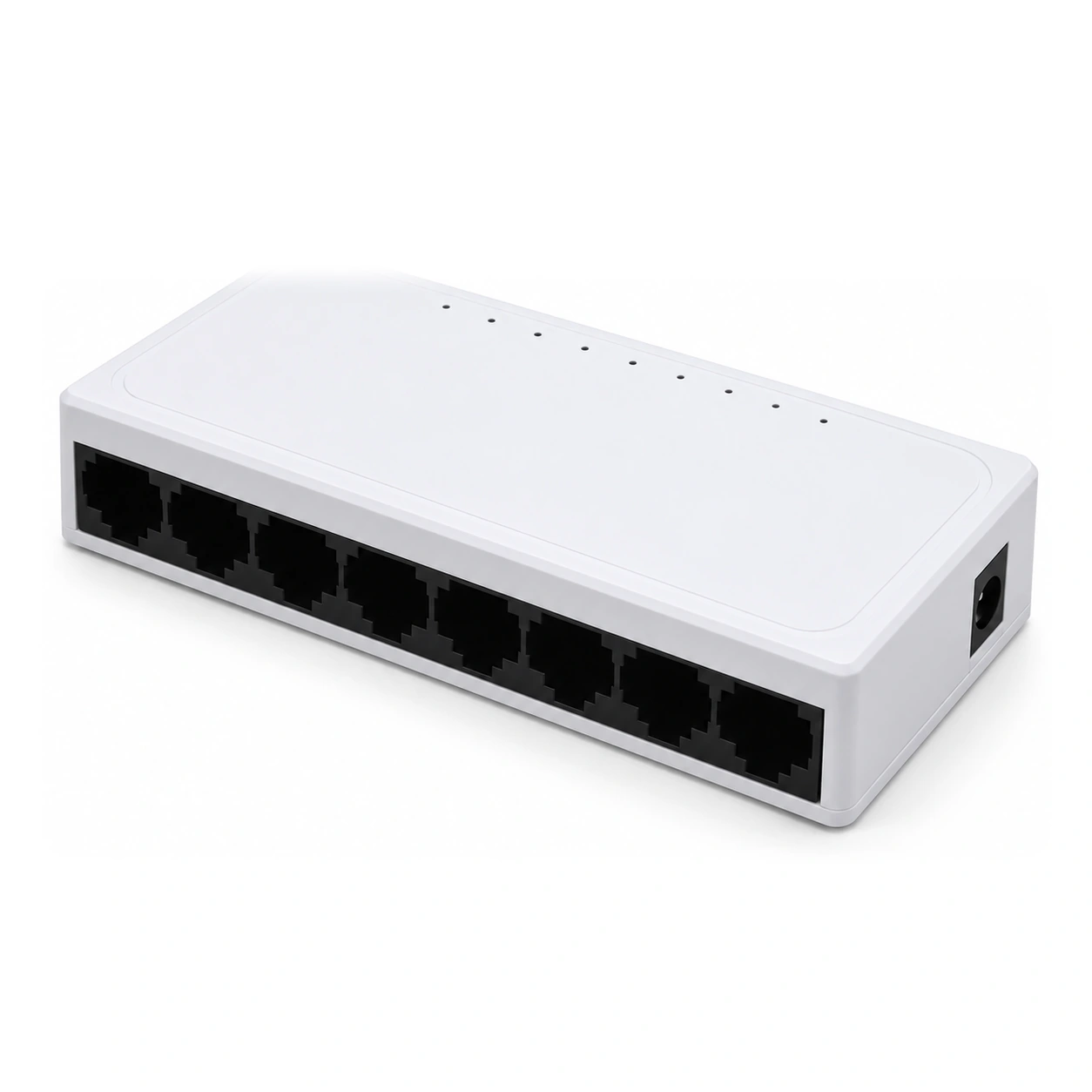
Count every wired endpoint, the uplink and planned spare ports. Five computers, one printer, one access point, one uplink and two spares require ten usable ports, not eight. Select a switch with enough ports for that plan, such as an appropriate 16-port model. For larger networks, compare a suitable higher-port-count switch with the capacity and failure dependencies of chained units.
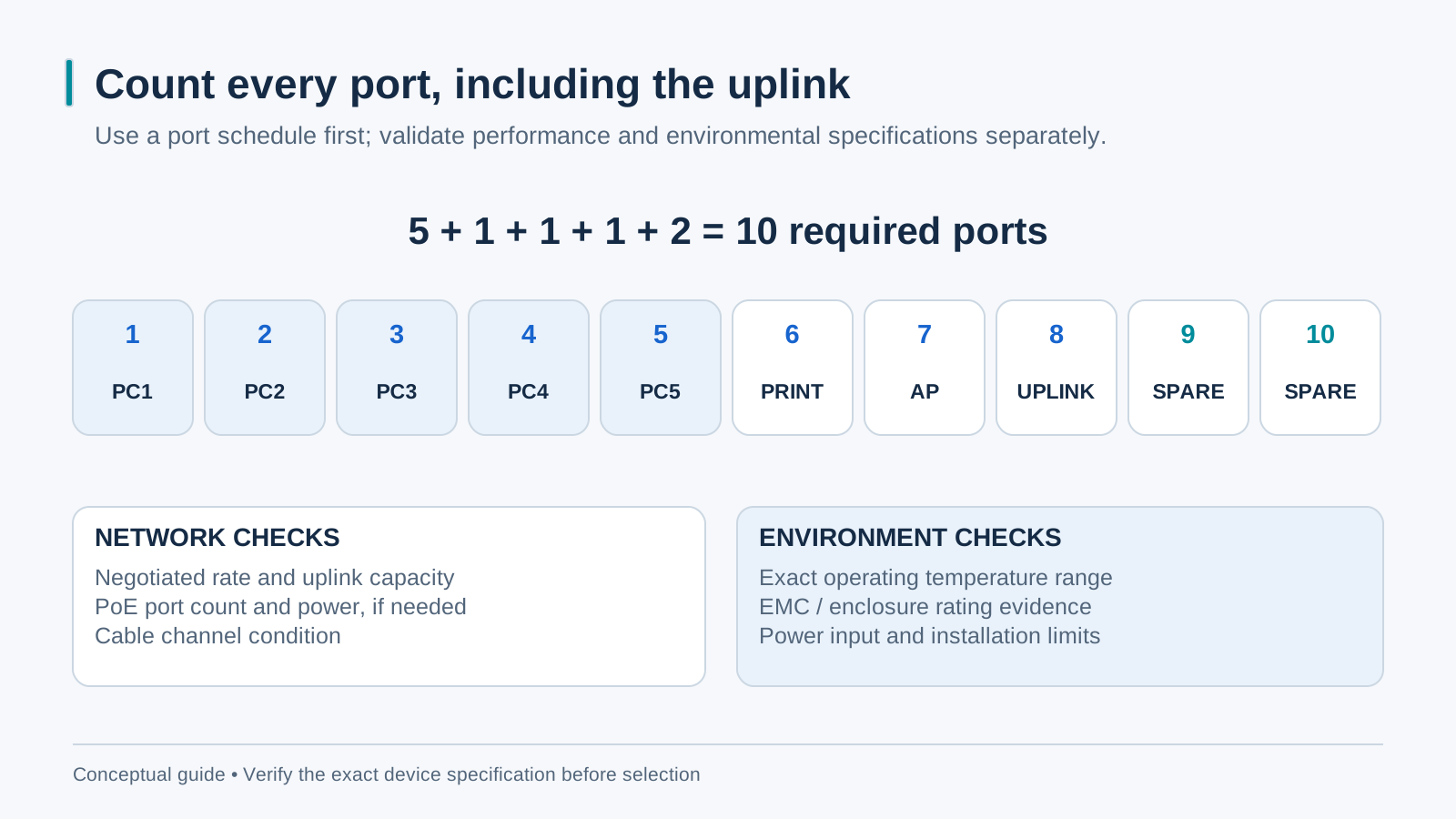
Metal case, fanless, rack ears: the factory-floor checklist
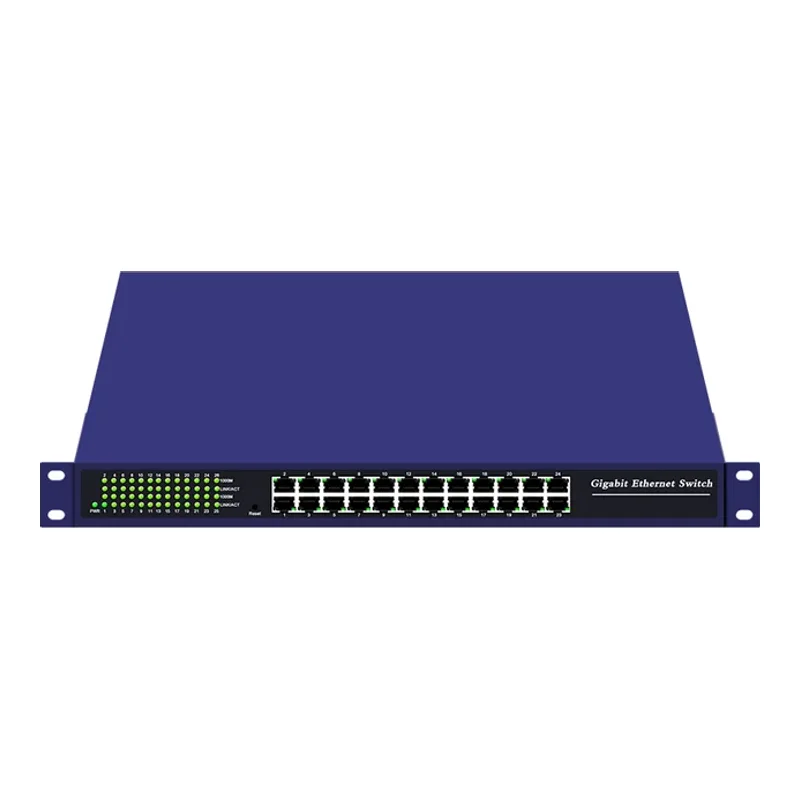
For factory use, check documented temperature, ingress protection, EMC, vibration, grounding and mounting requirements. A metal case, fanless cooling and secure rack or DIN mounting can be useful, but appearance alone does not establish an industrial rating or service life. Keep ventilation and dust exposure within the selected model’s specifications.
Where a fiber uplink changes the plan
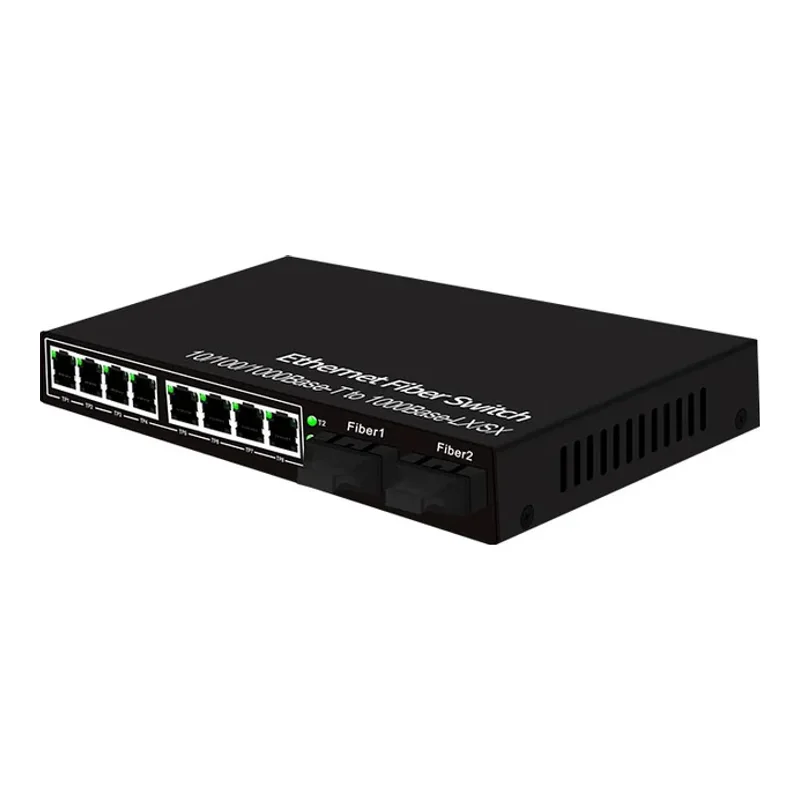
A pure copper switch is the right answer until the distance to the next cabinet exceeds 100 meters — then copper ends and the plan needs fiber. Two options: a copper switch plus a separate converter pair (more boxes, more PSUs), or a fiber switch with SFP slots that combines both roles in one unit (HS-1G4E, HS-2G8E). Between buildings, between floors on old risers, or between the office and the gatehouse, the SFP-slot switch is the cleaner design: one box, one power point, and the optics upgrade later by swapping modules.
The five-minute sizing procedure
List the devices, uplinks, spare ports and cable-route lengths. Check actual traffic and select suitable port and uplink speeds. For routes beyond the intended copper channel limit, evaluate fiber or another supported design. Existing compliant Cat5e may support Gigabit, so certify the installed cabling before assuming an upgrade requires recabling. Verify environmental and mounting ratings for the site.