Where converters fit around an OLT
An OLT connects the Ethernet aggregation network to a PON access network. Keep those interfaces distinct: a media converter may serve a compatible point-to-point Ethernet backhaul, but it does not replace an OLT, passive splitter or ONU/ONT. Plan the backhaul, aggregation capacity, subscriber access and equipment space as separate parts of the node.
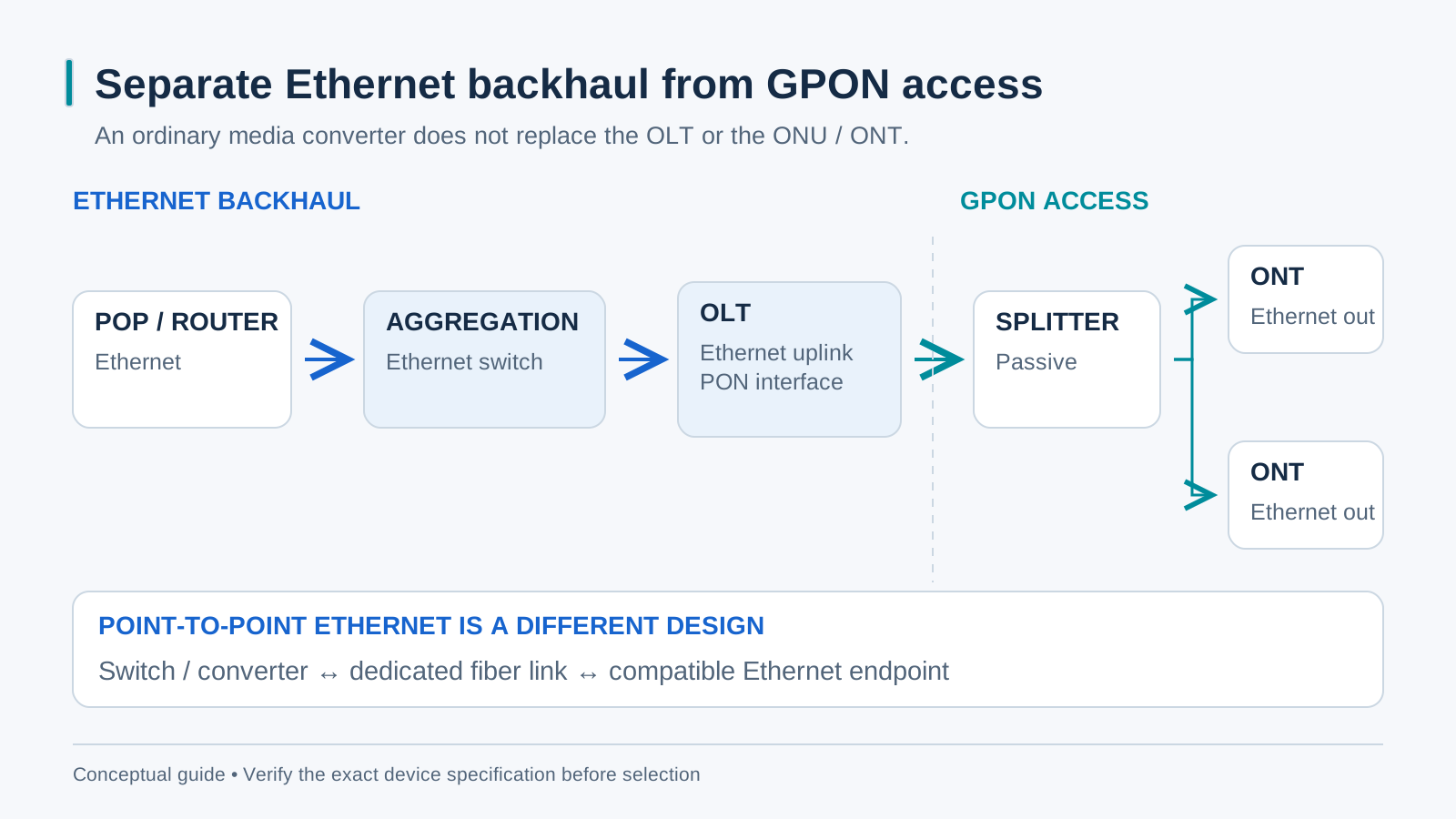
A reference node configuration
A neighborhood node may combine a router or aggregation switch, one or more OLTs, optical distribution and backup power. Select interfaces from the actual OLT and backhaul specifications: uplinks can be copper or fiber and may need 1G, 10G or higher capacity. A point-to-point BiDi Ethernet link is one possible backhaul design, not the PON subscriber interface.
Counting fiber: why BiDi wins on backhaul
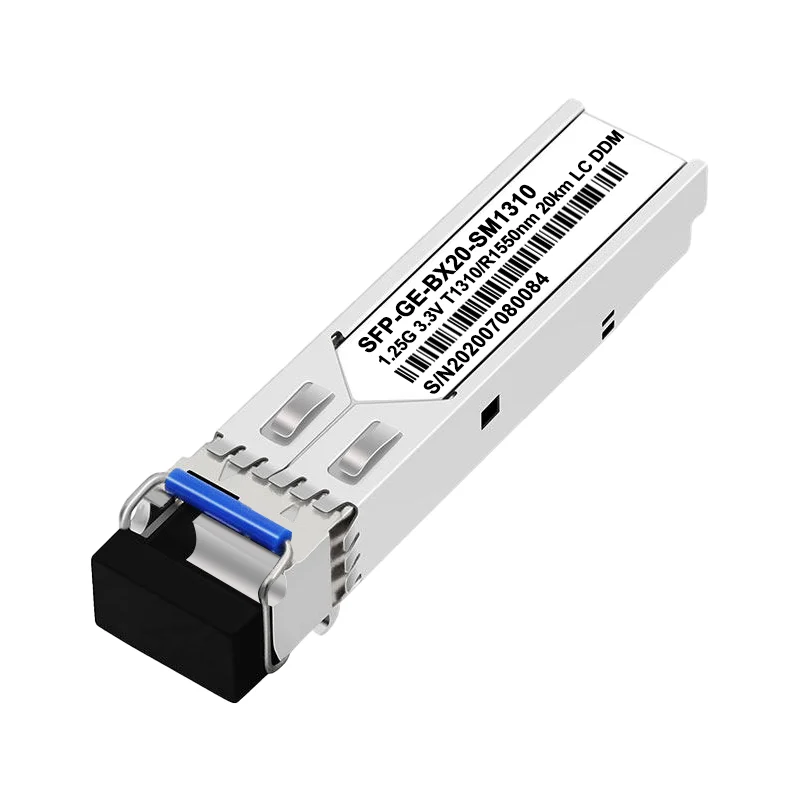
Ethernet BiDi can reduce the strand requirement for a compatible point-to-point backhaul. Verify complementary TX/RX wavelength bands, host support, rate and both directional power windows. Select reach from the measured route and optic specifications rather than simply choosing a longer-distance label. DDM is useful only when both the module and host support access to it.
Sizing the aggregation switch
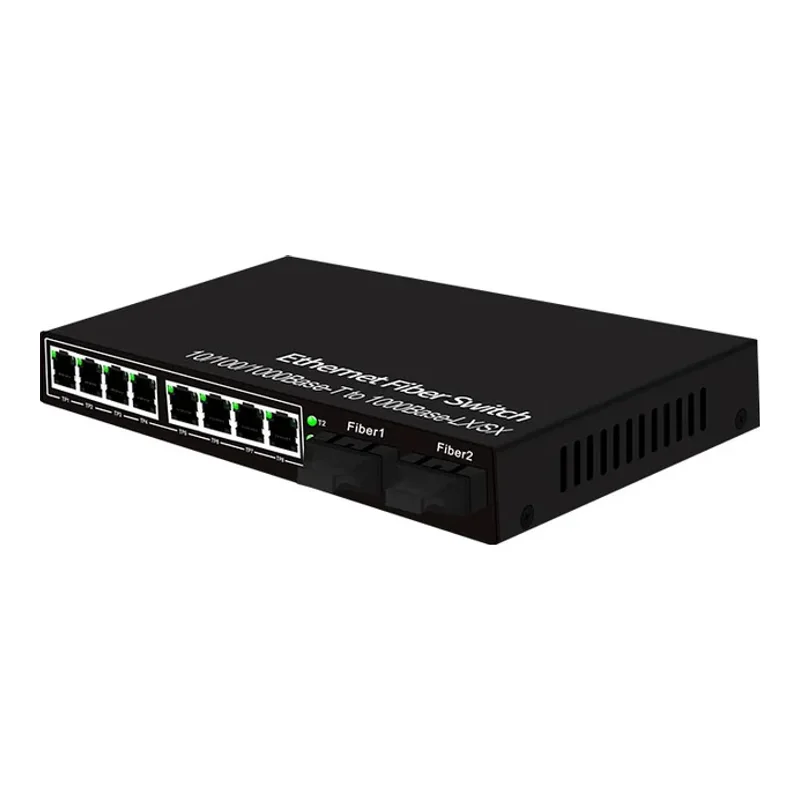
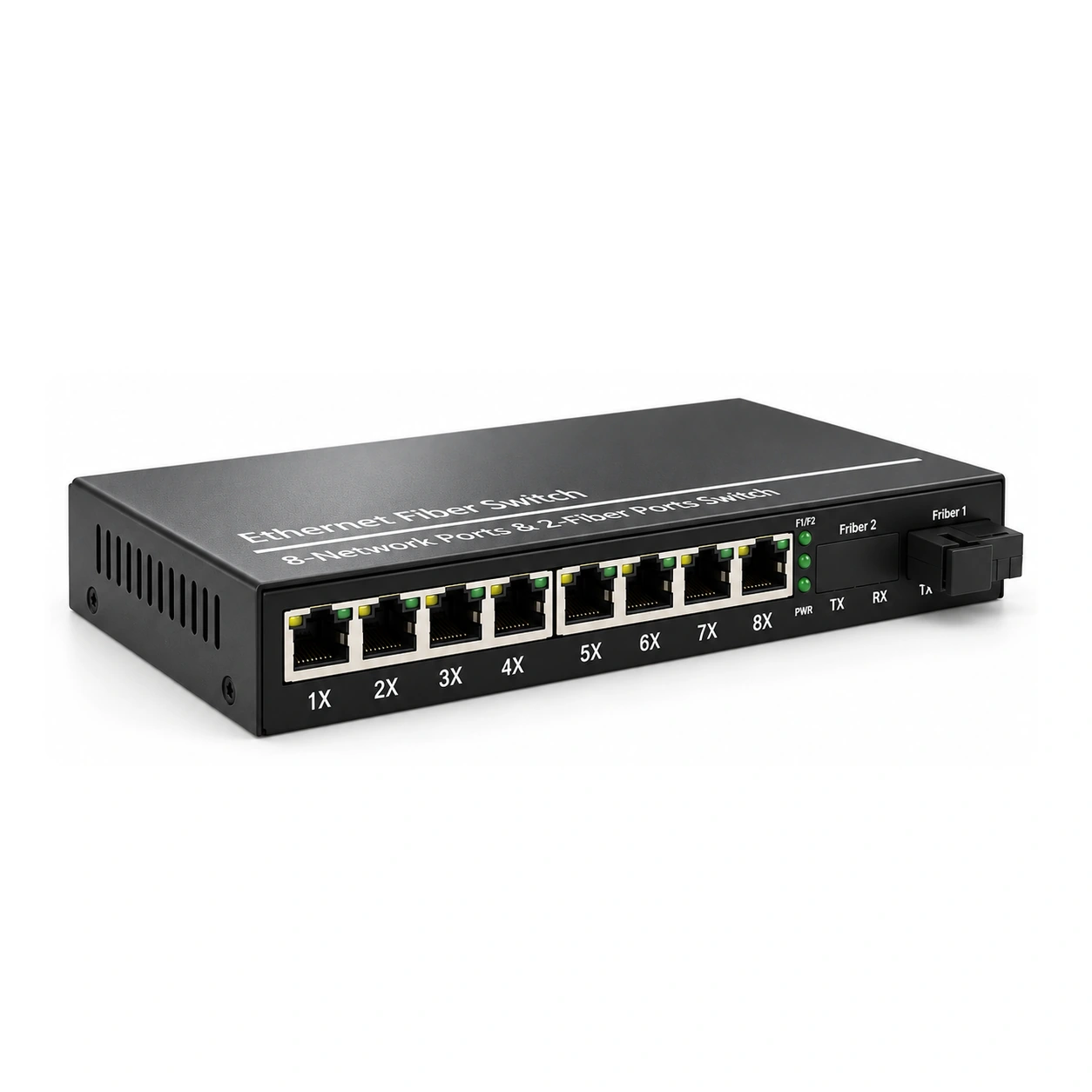
Size aggregation from the OLTs’ documented uplink types and forecast traffic, not subscriber count or copper-port count alone. Include router, management and growth requirements. A second fiber port is only a spare connection until it is part of a designed topology. Redundant paths require supported loop prevention and tested failover behavior.
Powering, racking and protecting the node
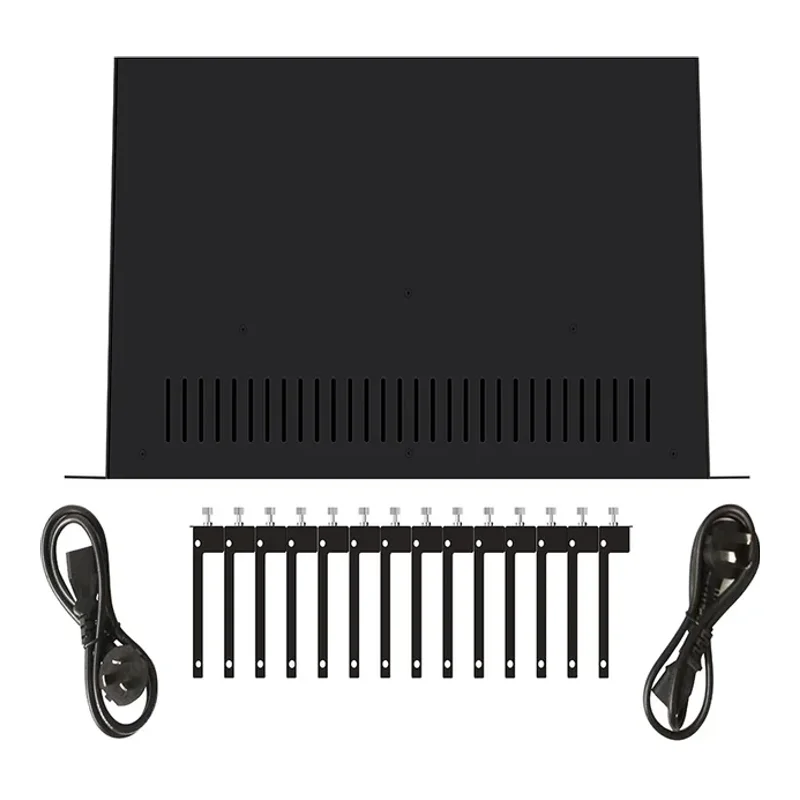
Plan a rated power and backup-power system for the intended node load. Confirm chassis compatibility and installed redundancy before centralizing converter power. Document which equipment remains powered during a supply or circuit failure, label each link and test the intended backup behavior before handover.
Growing from one node to a chain
A chain of nodes shares capacity and creates dependencies on upstream equipment. Design the topology, protection and per-hop traffic requirements before using spare ports. Use interface utilization and error counters to identify saturation; DDM assesses optical health, not bandwidth. A 10G upgrade requires compatible 10G hosts and optics at both ends.
Commissioning checklist for a new node
Before closing the cabinet, record received optical power in dBm at both ends and the path loss or margin in dB. Confirm compatible optical protocols and wavelength pairs, compliant copper channels and the intended loop-prevention design. Test the full power and traffic load, backup behavior and management access, and keep photographs and as-built records.