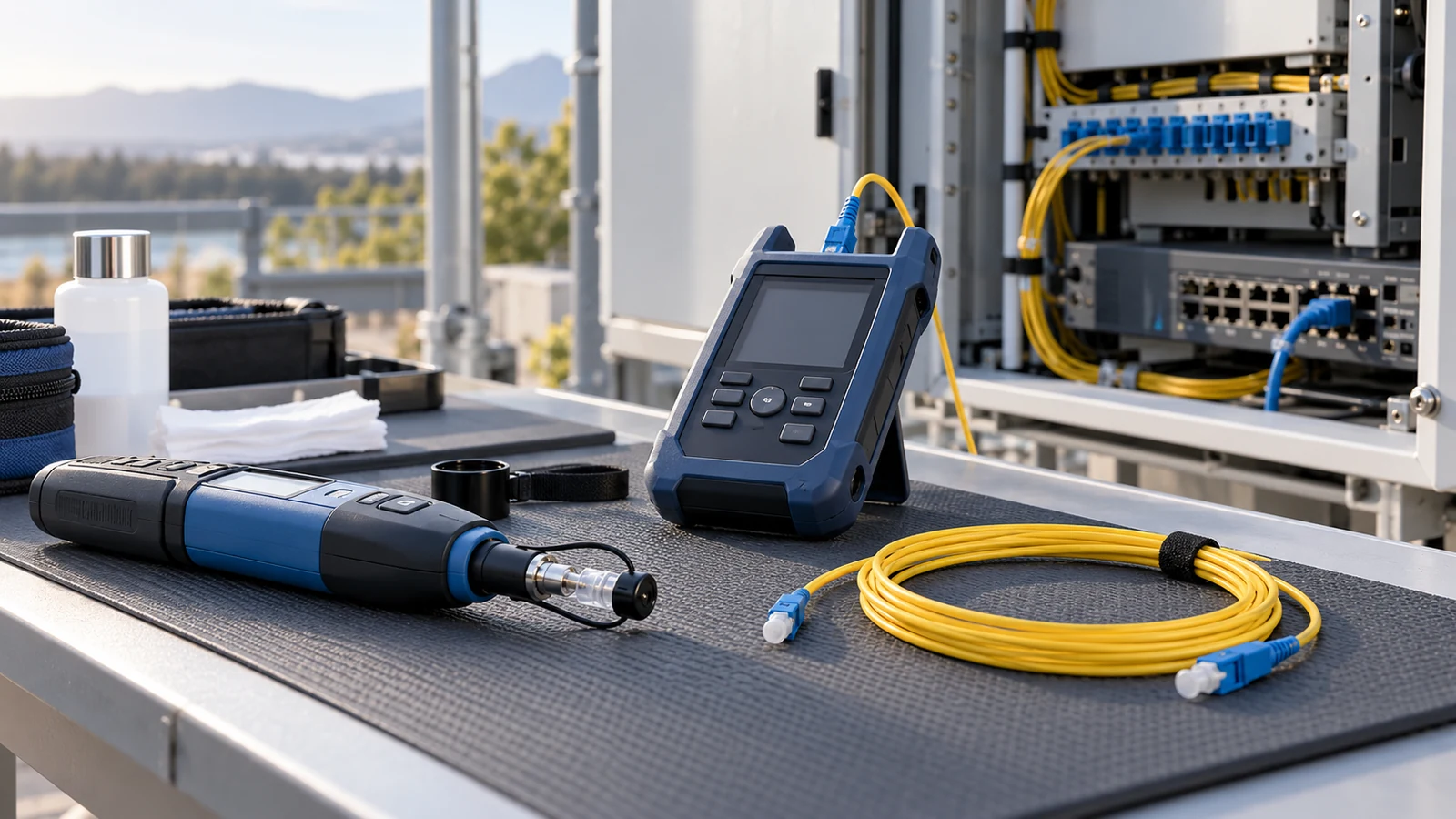
Before you plug anything in
Before connecting equipment, confirm the optical standard, wavelength pair, fiber type and route requirements. Identify fiber from markings and records rather than jacket color alone. Keep dust caps in place until use. Follow an inspect–clean–inspect process with suitable tools, and disable laser sources before inspecting connectors; never look directly into a live fiber.
Power and grounding in the field
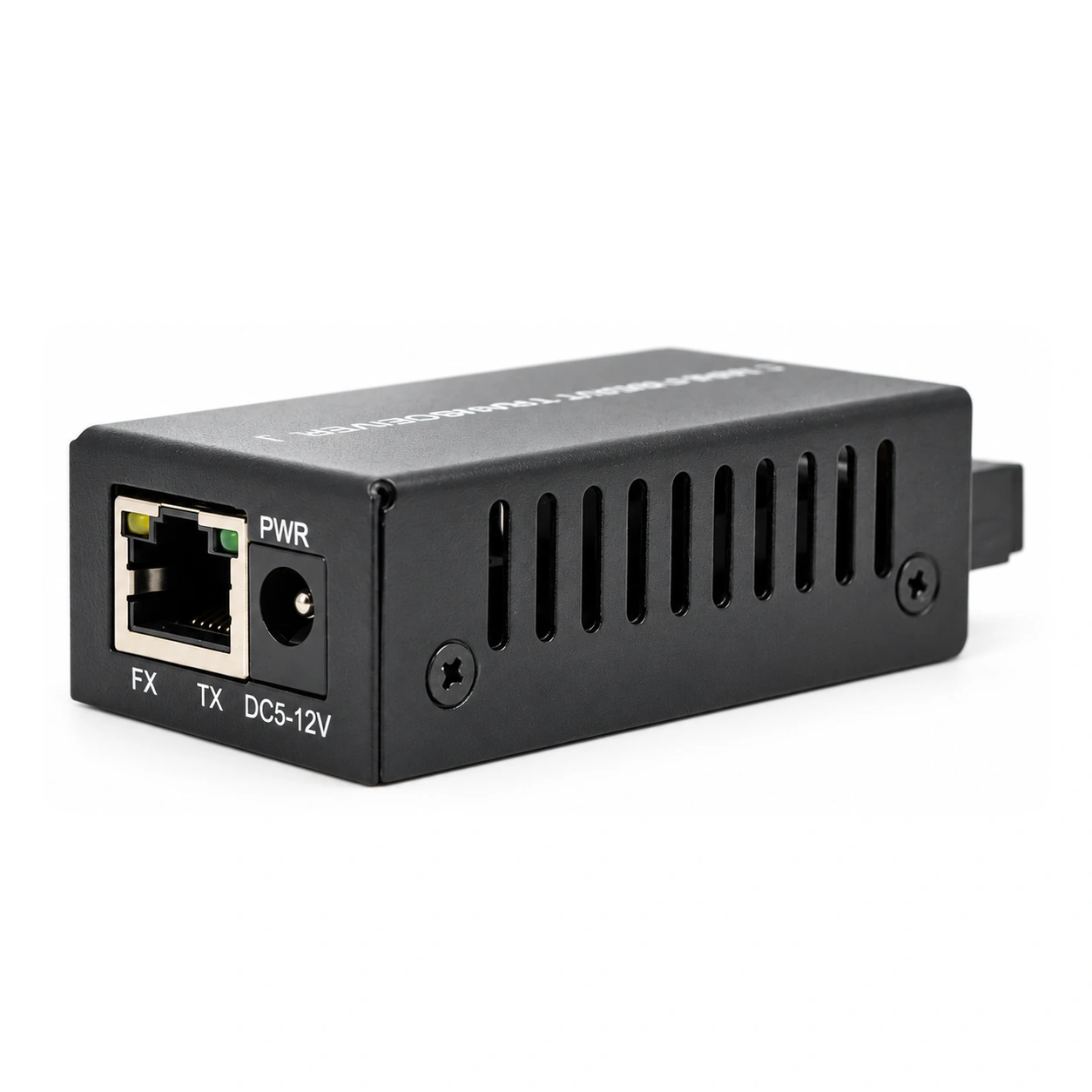
Use the specified regulated supply, checking voltage, polarity, connector and adequate current capacity. Follow the equipment’s mounting, ventilation and grounding instructions. Optical fiber is immune to EMI, but it still needs mechanical protection and compliance with site and fire rules. An all-dielectric fiber link does not create a conductive path between buildings; assess metallic cable components, copper connections and equipment grounding separately.
Reading the LEDs
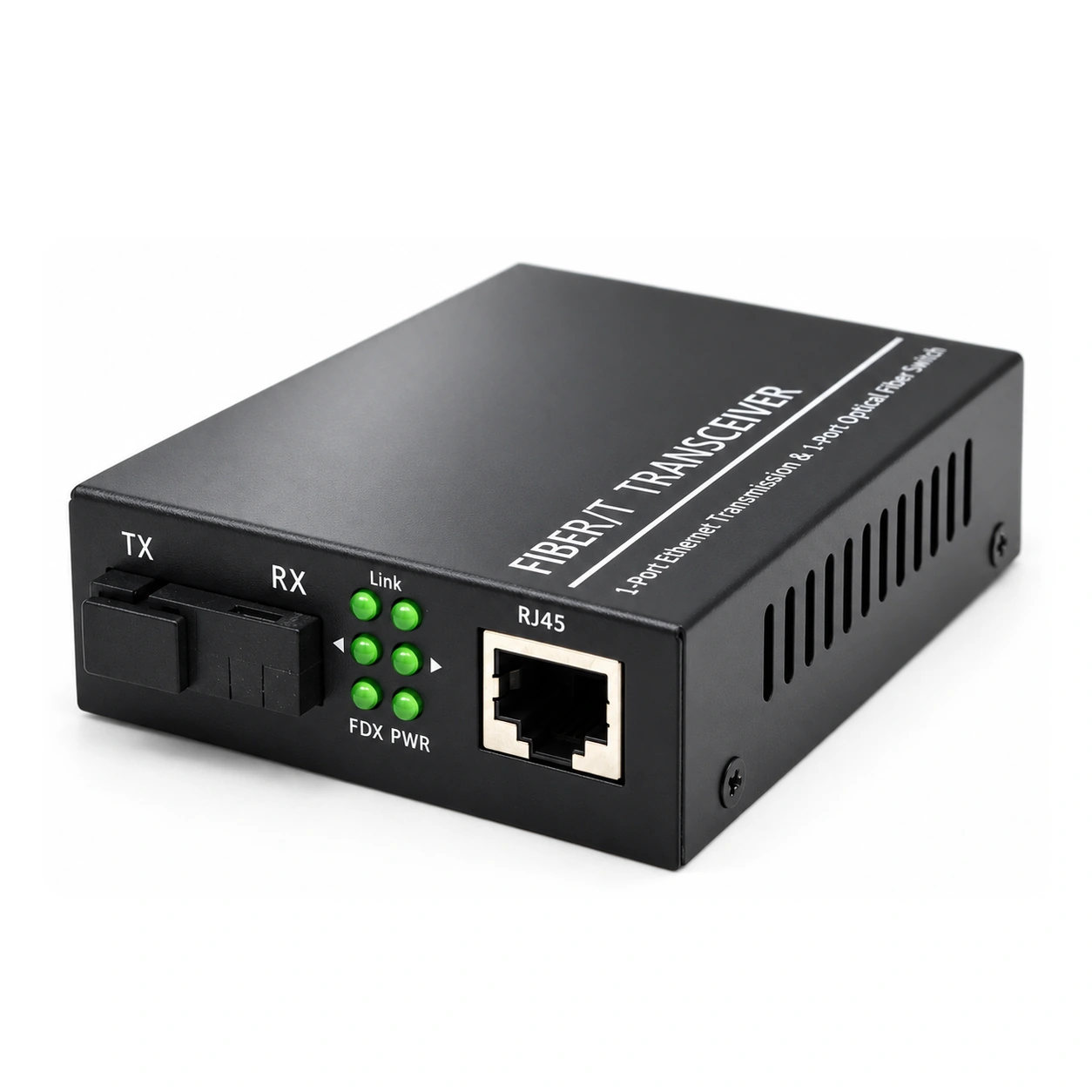
Read LEDs using the exact converter manual. Power, optical-link and copper-link indicators describe device-specific states and can be affected by LFP, FEF or configuration. A lit fiber LED alone does not prove that both directions, optical margin and user traffic are healthy. Check both endpoints, interface errors and a traffic test before narrowing the fault to the copper side.
LFP: what link-fault passthrough does
On supported models, Link Fault Pass-Through propagates a link failure from one interface to another so the attached equipment can detect it. The directions, interaction with FEF and switch settings are model-specific. Enable and test the behavior required by the monitoring and failover design; an alarm or recovery action also depends on the attached equipment.
The five most common field failures
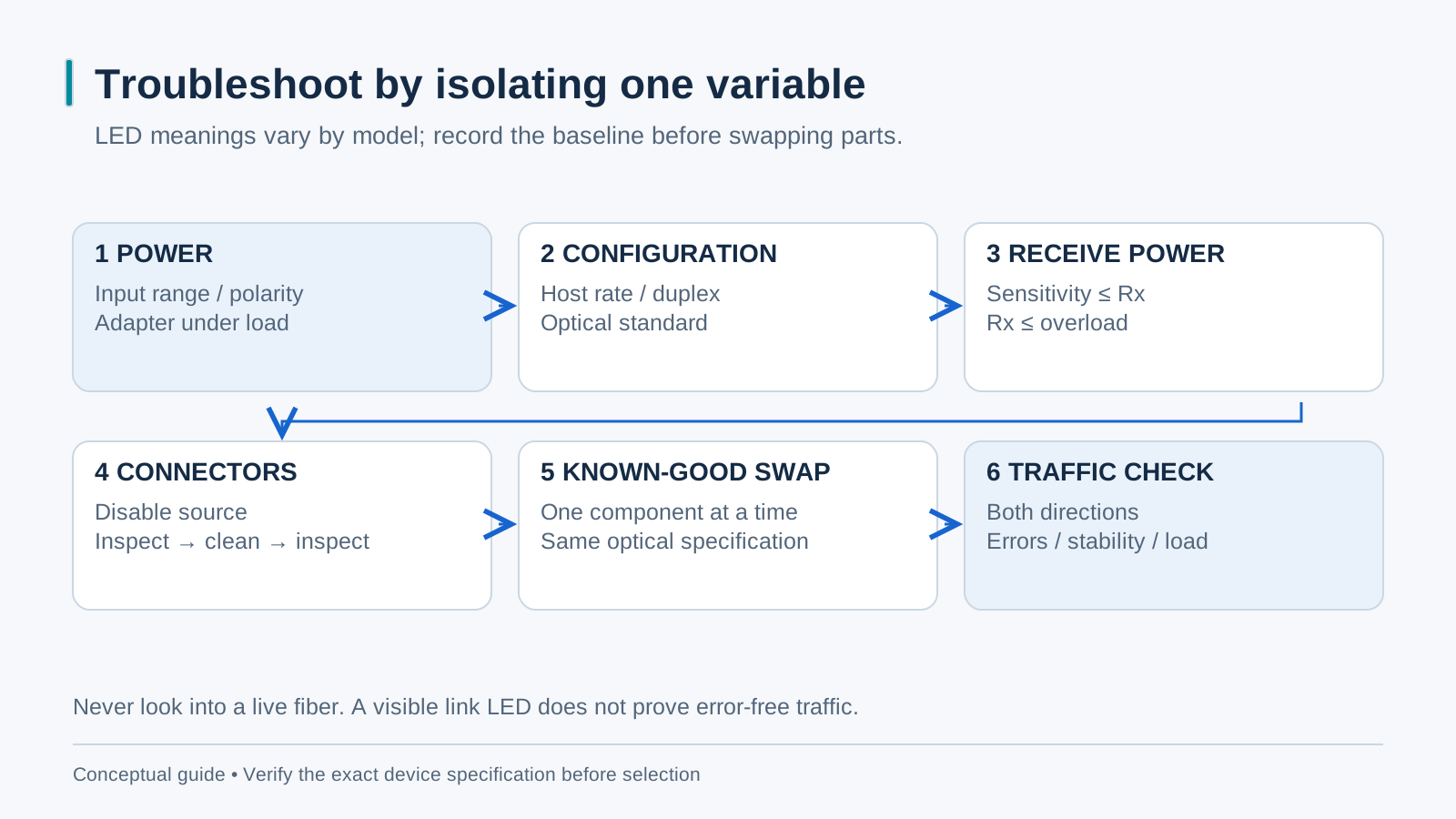
Check complementary BiDi wavelengths, connector cleanliness, received power against the specific optic’s limits, copper negotiation settings and both directions of the fiber path. Do not use a universal −28 dBm threshold: sensitivity and overload limits differ by optic. Record the evidence before replacing equipment.
A ten-minute isolation procedure
Start with power and configuration checks, then inspect and clean connectors safely. Compare received power at both ends with the selected optic’s sensitivity and overload limits. Use known-good components with the same required specifications to isolate one variable at a time, preserving BiDi endpoint roles. A short test cord can help isolate the cable plant, but check minimum-distance and attenuation requirements before back-to-back testing. Finish with a representative traffic test.
When to rack them: scaling with a chassis
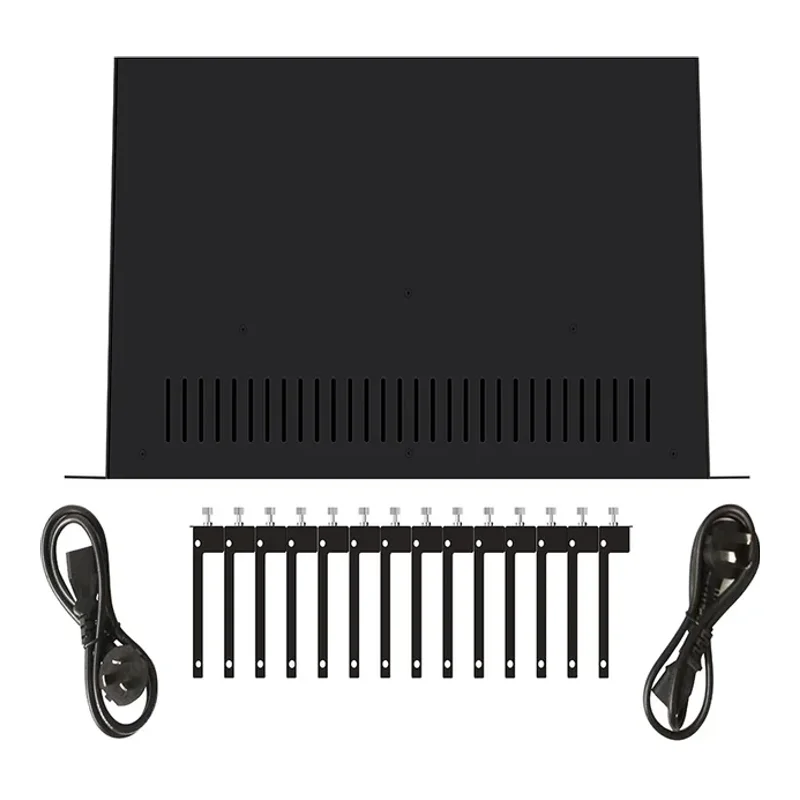
A compatible rack chassis can simplify power and maintenance when many converters are installed together. Confirm approved converter models, hardware revisions, mounting parts, per-slot power and installed PSU redundancy. Do not assume every standalone converter fits a chassis or that every supply or module can be swapped live.