Step 1 — Add up the watts, then add 20%
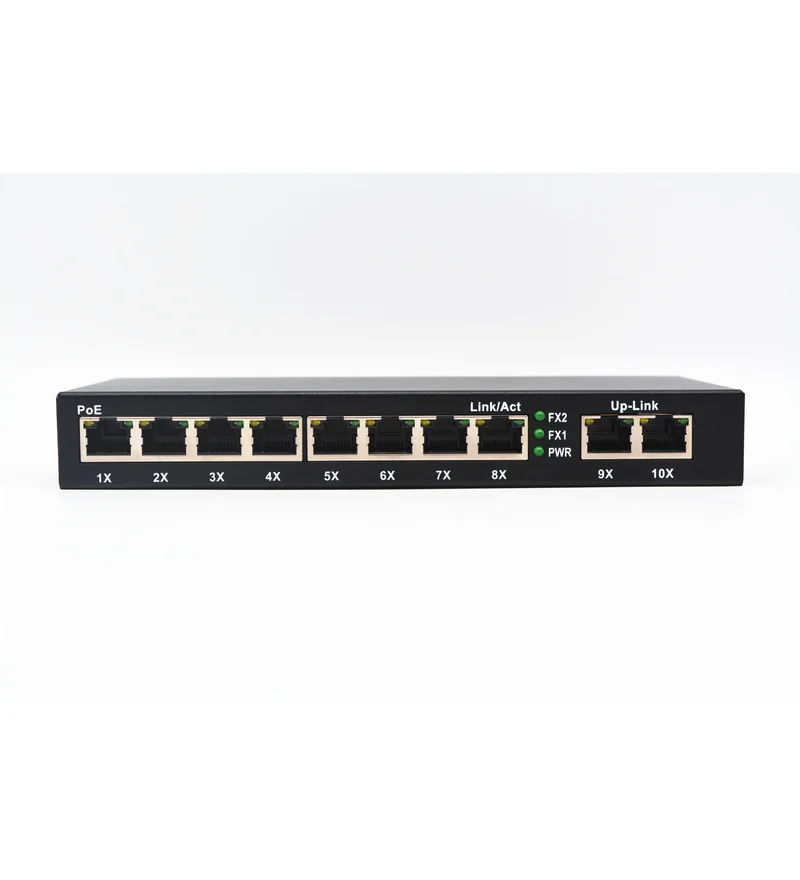
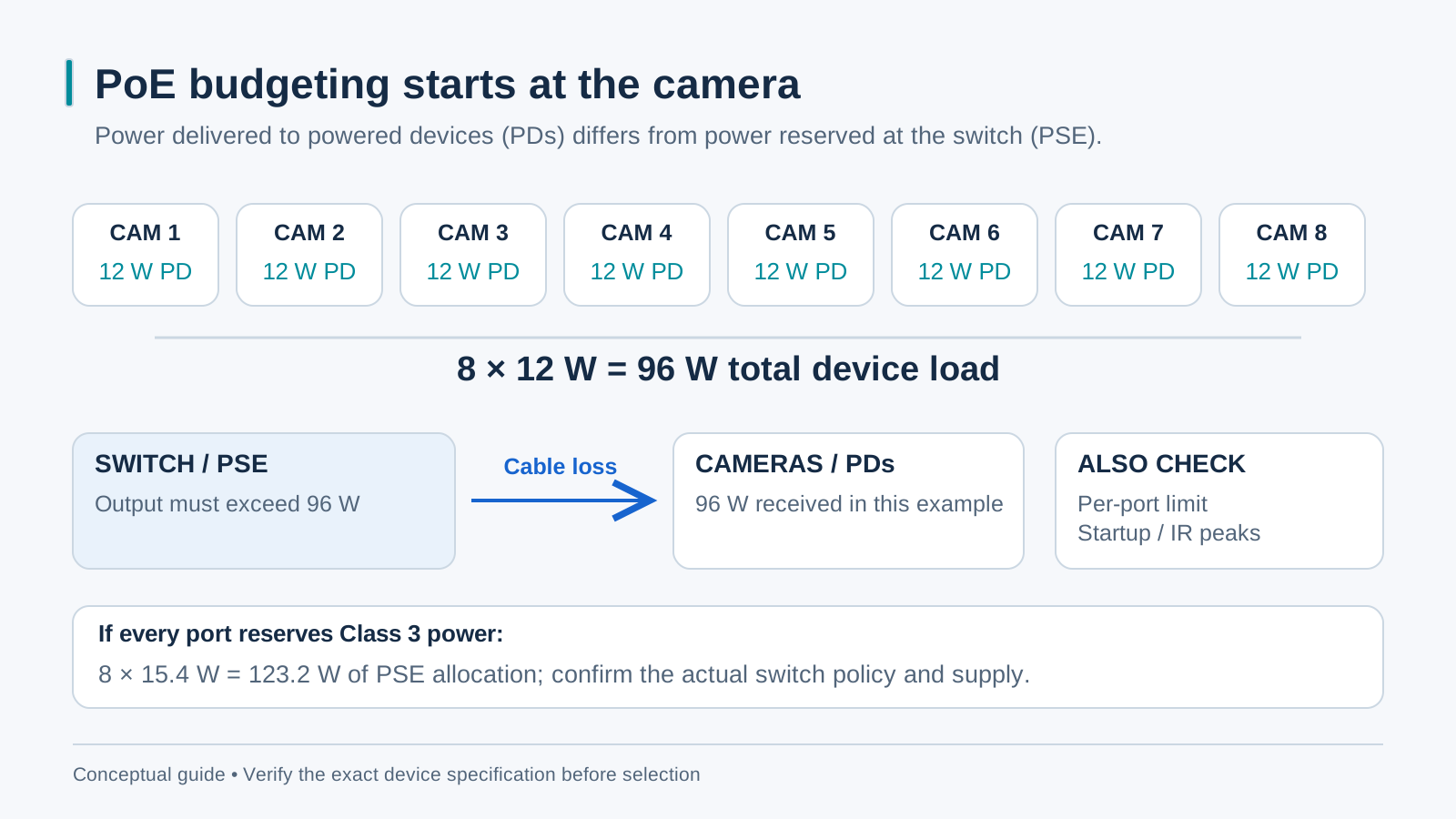
Record each camera’s required PoE type and maximum power from its datasheet, including IR, heaters and accessories. Determine the PSE allocation using the switch’s documented policy and cable conditions, then add a stated project reserve. A 20% allowance is an illustrative choice, not a universal standard. Count powered ports as well as watts before comparing 65 W, 120 W or larger switches.
Step 2 — af or at (15 W or 30 W per port)?
Type 1 PoE provides up to 15.4 W at the PSE and 12.95 W at the PD; Type 2 PoE+ provides up to 30 W at the PSE and 25.5 W at the PD. Some cameras need higher-power types. Confirm support, per-port limits, total PSE budget and supplied PSU for the exact switch. Eight ports each allocated 30 W require 240 W before any reserve.
Step 3 — Plan the uplink, use the 250 m trick
Reserve enough uplink capacity for the actual recording and viewing traffic. A vendor-specific extended-copper mode may trade data rate for reach under stated cable and load conditions; it is separate from the standard 100 m channel. Verify and test the feature for the chosen model. For fiber, select compatible hosts and optics from the measured route requirements rather than assuming a universal 20–100 km reach. Choose Gigabit or faster from traffic and endpoint needs, not camera resolution alone.